
Your network, your routes
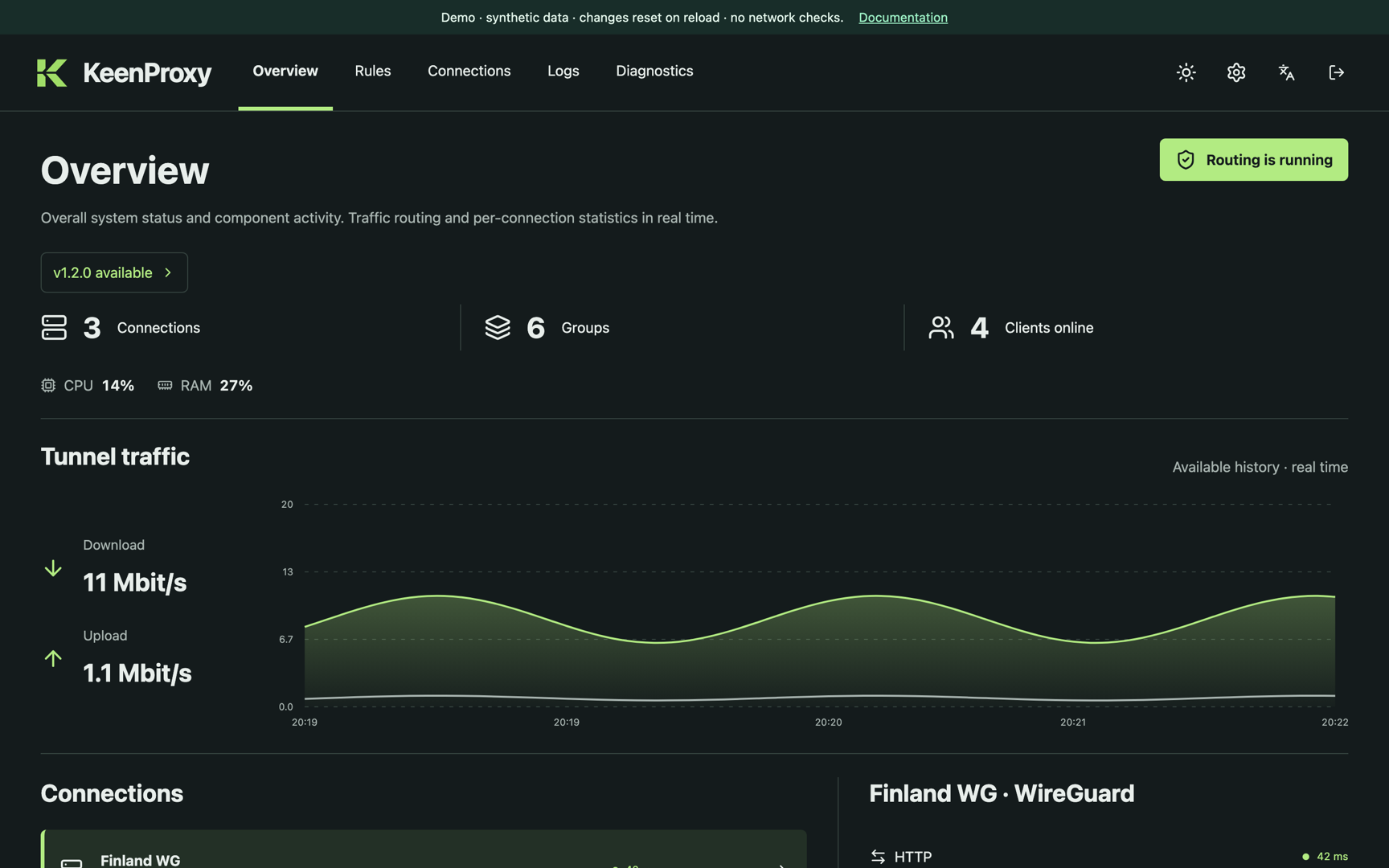
Selective traffic routing for Keenetic and Netcraze routers running Entware. Choose which devices, domains, addresses, and countries use a tunnel, connect directly, or are blocked — from one web panel.
What it does
Device and network policies
Split routing, full tunneling, or direct access per network, with per-device overrides by MAC address.
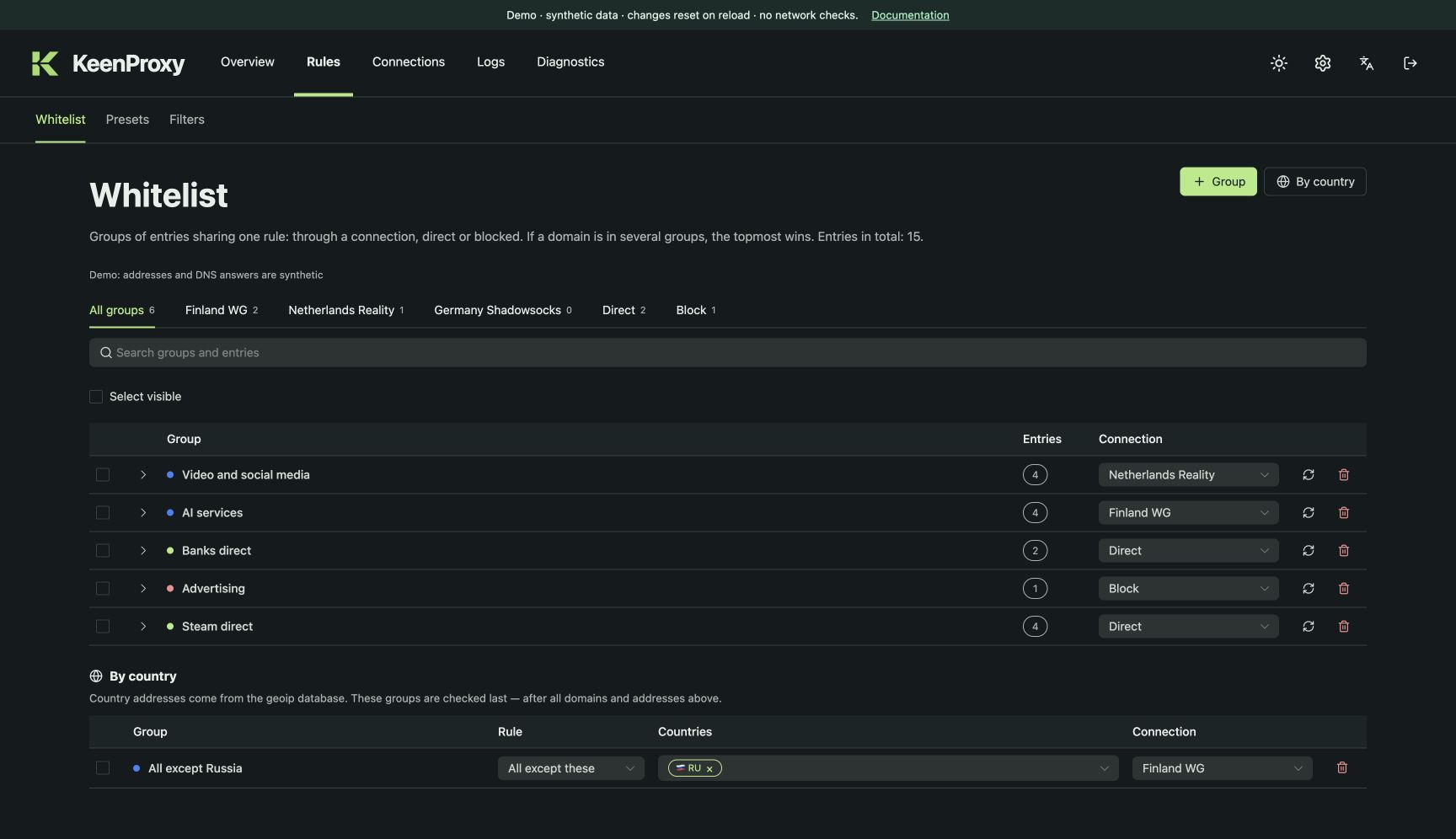
Domain, IP, and country groups
Route by domain, CIDR, or country — including exclusions such as “everything except Russia”.
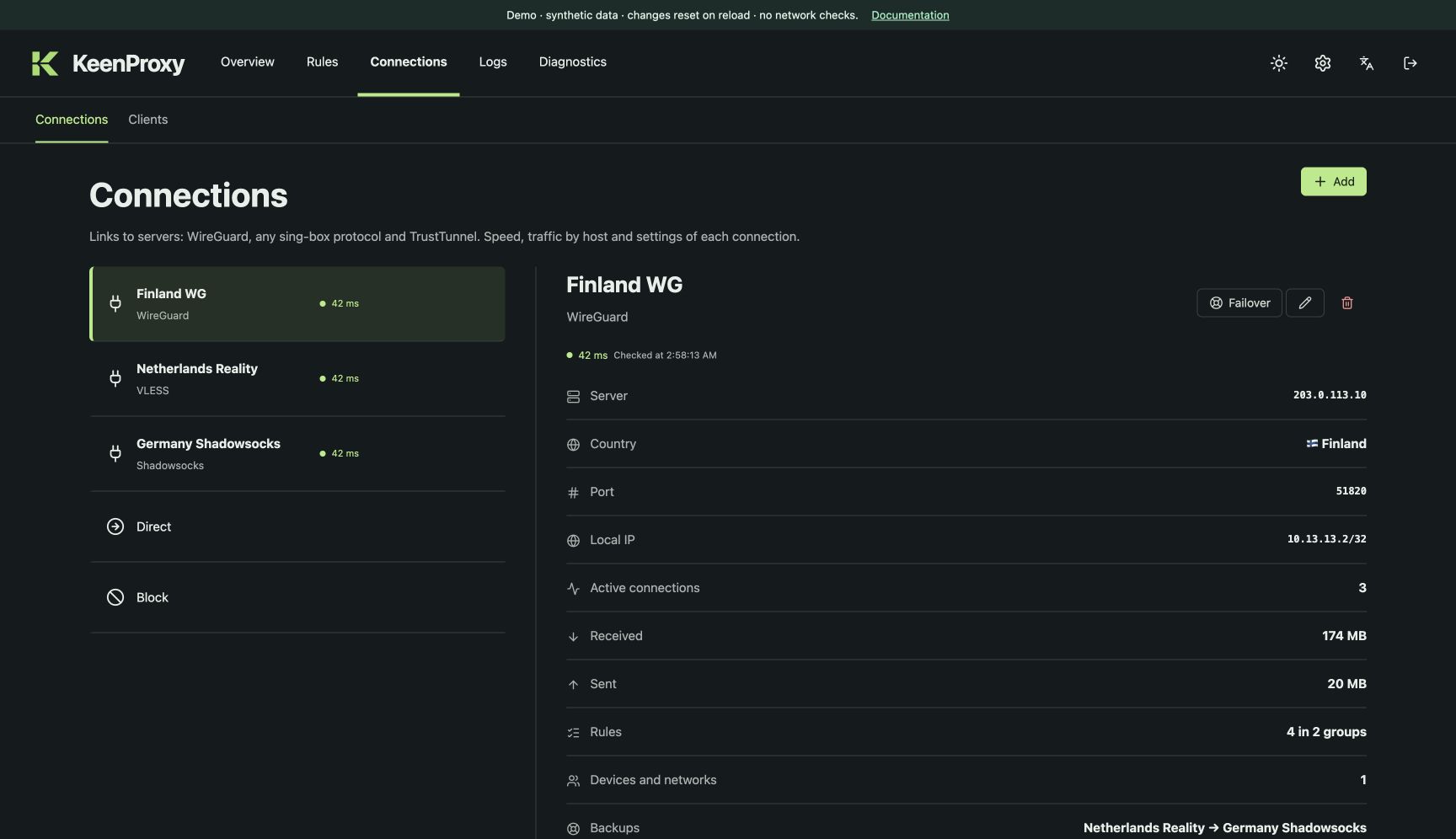
Many connection types
WireGuard, sing-box connection links, raw sing-box outbounds, and an optional TrustTunnel client.
DNS and blocklists
A local DNS frontend with DoH/DoT resolvers, selectable DNS routing, and DNS-only blocklists.
Review before Apply
Every change goes into one shared draft. Apply it when ready, or discard it; journals explain the result.
How it works
Add a connection
Import a WireGuard file or a connection link, or use the wizard.
Define groups
Collect domains, addresses, or countries and pick where they go.
Choose devices and Apply
Select which networks and clients follow the rules, then apply the draft.
KeenProxy also watches its interception rules. On compatible Keenetic/Netcraze firmware, a netfilter hook requests a check after firewall changes; a periodic watchdog remains active everywhere, including experimental OpenWrt installations. How rule recovery works.
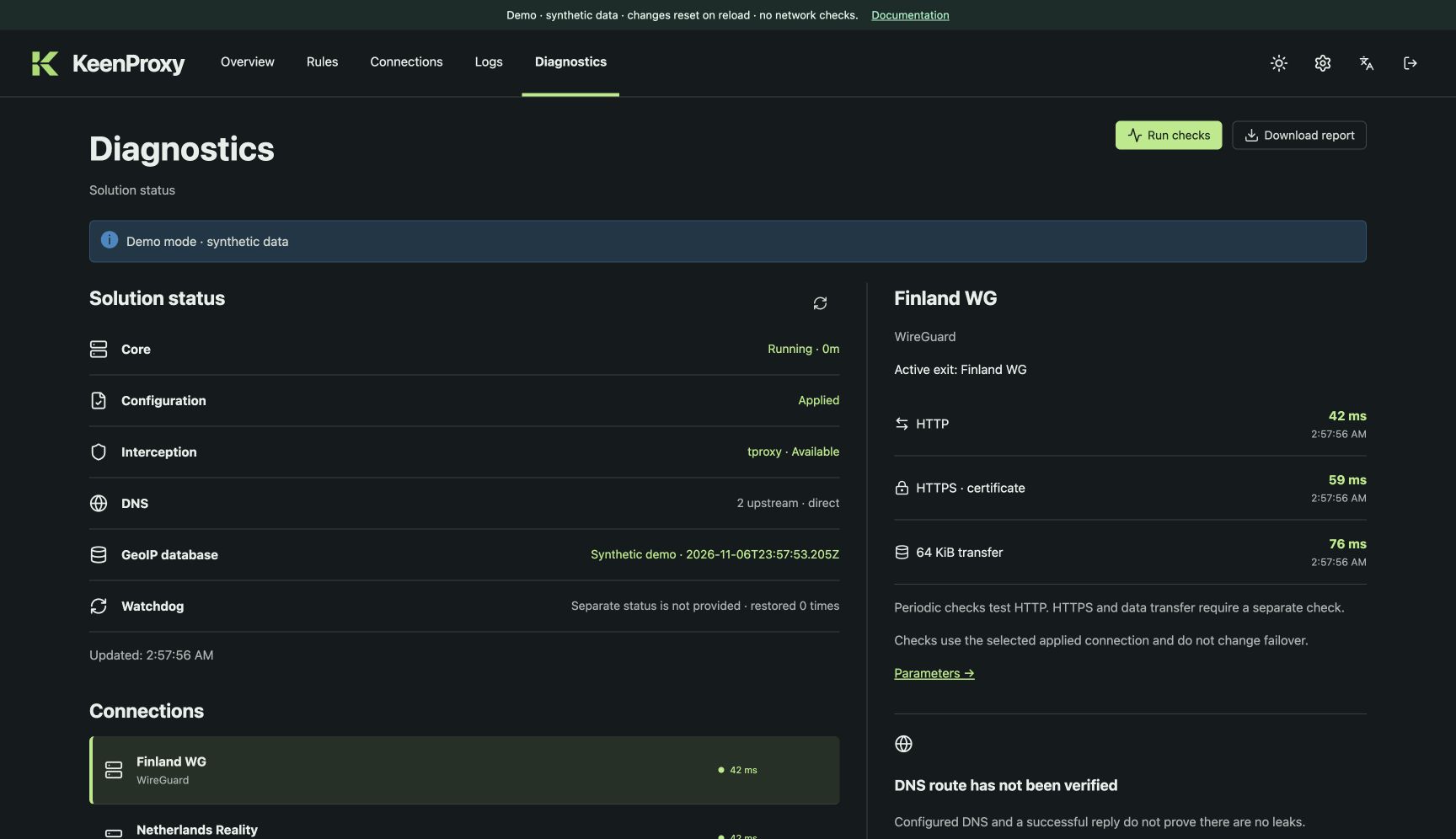
A look at the panel
Try it in your browser
The demo runs the real web panel with synthetic data. No router or credentials are required.
KeenProxy is experimental. Compatibility depends on the router architecture, firmware, kernel capabilities, and build features.